

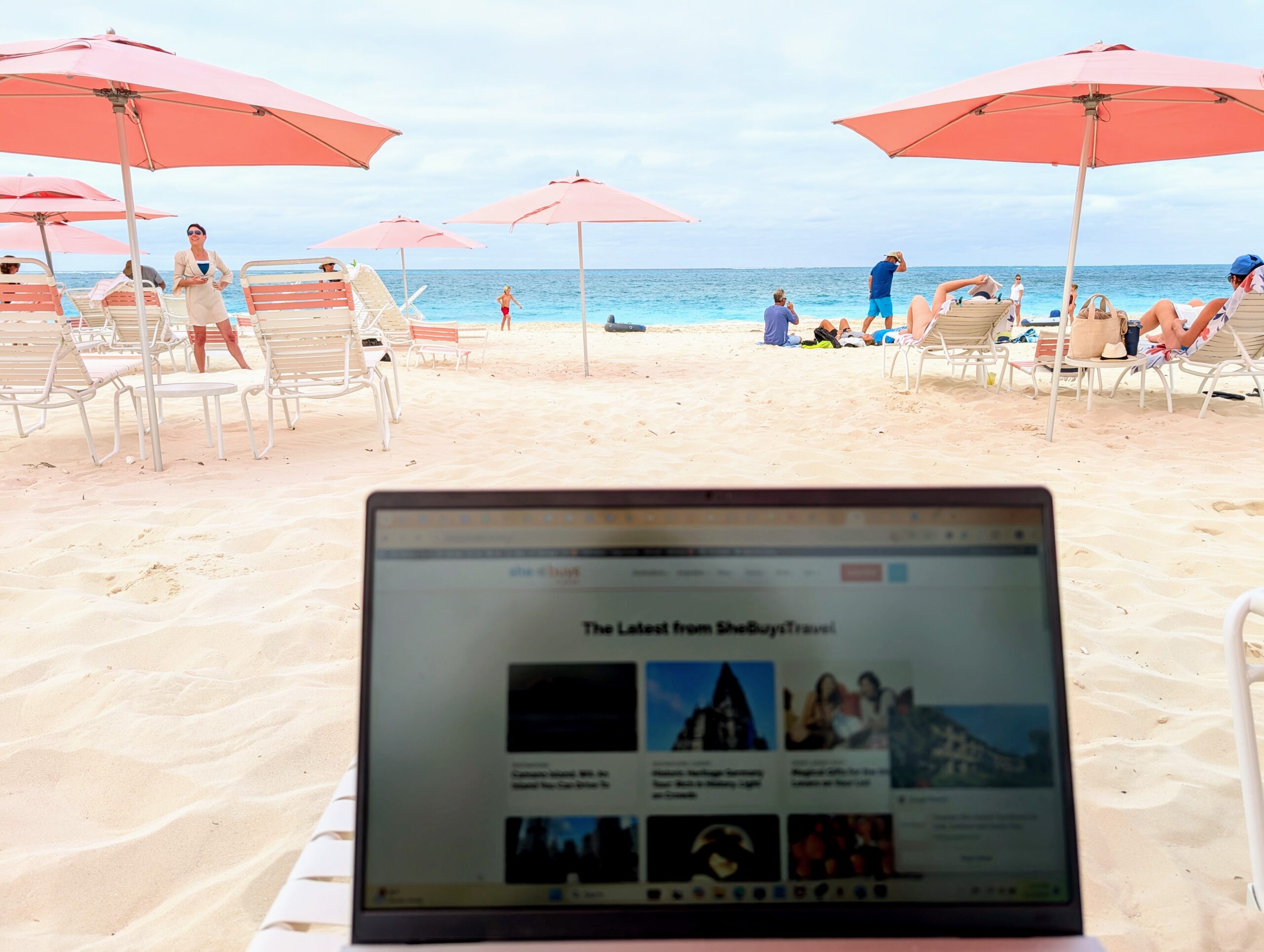
When I head out of town, there are only two things I make sure to bring along: my phone and my laptop. (OK, maybe I have an unhealthy obsession with my tech, but that’s just the way it is.) So I got a little nervous when I read a press release that outlines these seven ways my phone could get killed by my summer fun.
Here’s the list from Cherry Servers and my recommendations for correcting the mistakes you might be making.
Let us inspire your travels! Sign up for our newsletter now.
1. Using the Wrong Power Adapter
Just because it fits, doesn’t mean it’s safe. Different countries use different voltages, and cheap adapters without surge protection can short-circuit your phone or fry your battery slowly over time.
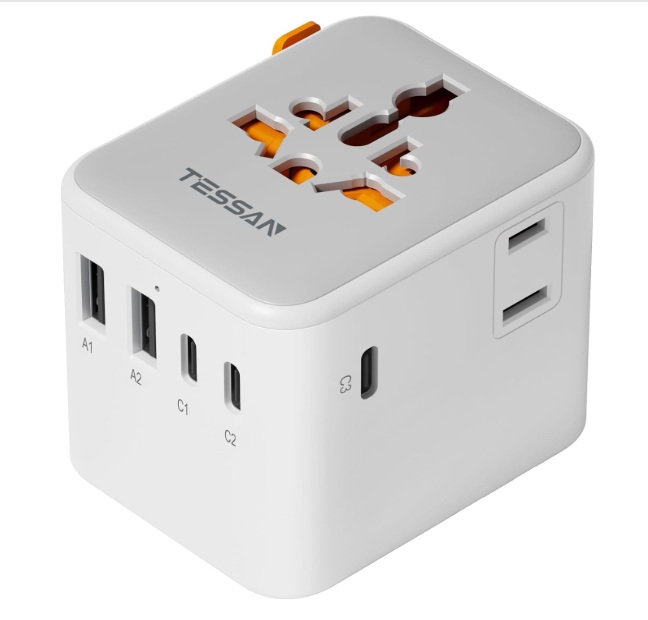
SheBuysTravel Tip: Invest in a quality universal adapter. This is the one I bought before my African safari earlier this year.
Want more travel fashion and gear recommendations? Get tips and deals with our newsletter!
2. Overheating in the Sun
Leaving your phone on a towel, car dashboard, or table under direct sunlight can push internal temps past 140°F (60°C). That’s hot enough to damage your battery, screen, and even melt internal components.
SheBuysTravel Tip: Find a little shade for that phone! And remember to reapply your SPF regularly.
3. Letting Sand or Water Sneak In
Beachside bliss comes with hidden risks. Even “waterproof” phones have limits, especially when it comes to fine sand or saltwater. Just one grain in your charging port can stop it from working.
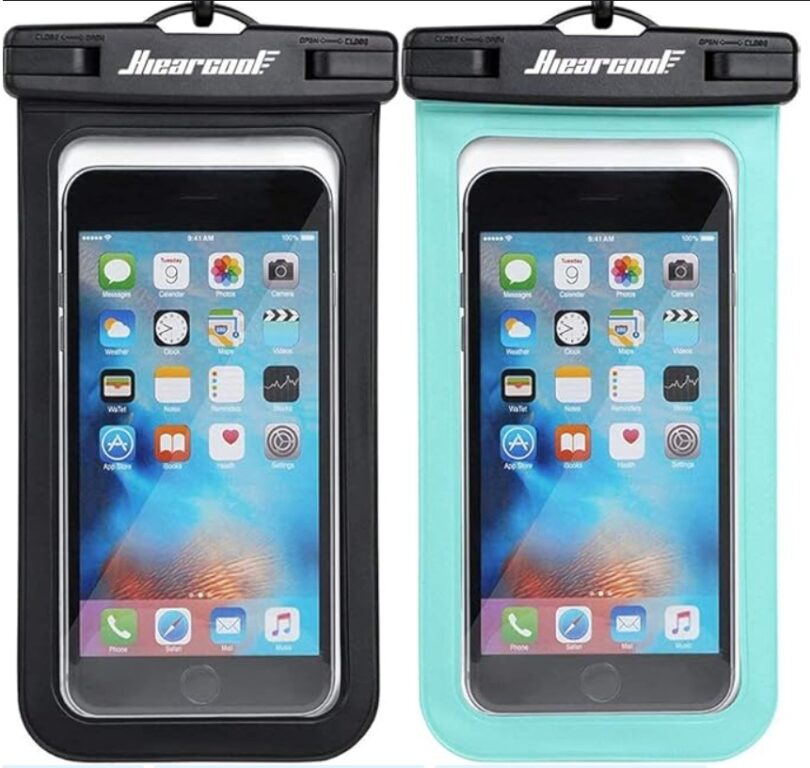
SheBuysTravel Tip: Keep your phone in a sealed waterproof pouch. I use this one, which comes in a variety of colors so you can get one that compliments your swimsuit! Bonus points: Simply hang the pouch around your neck when you head into the water. No need to worry someone will flitch your phone while you’re cooling off!
4. Connecting to Unsecured Wi-Fi
OK, this is my big confession: I freaking LOVE free Wi-Fi on my phone. But my inherent cheapness might be my undoing. It turns out hotel Wi-Fi, airport hotspots and random cafés can be dangerous places. Without protection, hackers can intercept everything from emails to cloud photo backups.
SheBuysTravel Tip: Get yourself a VPN and use it when connecting your phone to public Wi-Fi. Lately, I just bite the bullet and keep my phone connected to cellular service so I can use it as my hotspot to protect the sensitive data on my laptop.
5. Downloading Sketchy Travel Apps
That “local transit” or “best bars near me” app might be a front for malware. Apps from unknown developers often ask for excessive permissions and can compromise your device.
SheBuysTravel Tip: Stick to trusted apps from official app stores, check recent reviews, and avoid anything that wants access to your contacts or files without good reason.
6. Storing Everything on One Device
Your boarding pass, hotel confirmation, travel insurance, and emergency contacts shouldn’t all live only on your phone. If it dies, gets stolen, or goes missing—you’re in trouble.
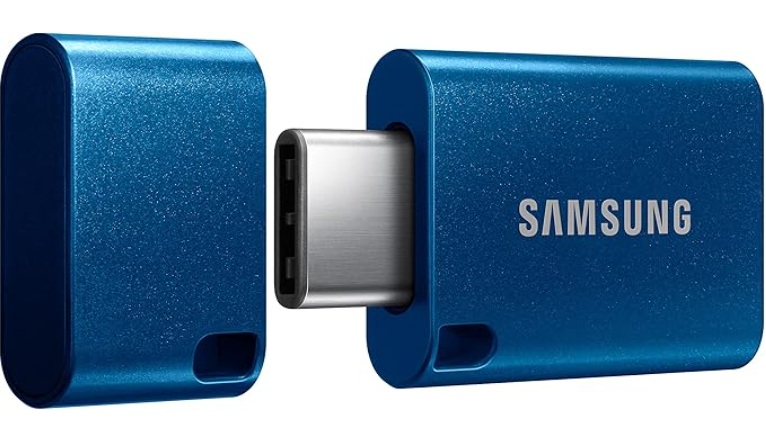
SheBuysTravel Tip: Go analog. Keep a printed copy of your boarding pass, hotel confirmations and travel details in your day bag. To keep your photos secure (and open up space for even more videos on your phone), carry one of these back-up drives and transfer your media at the end of each day.
7. Letting Background Apps Drain Your Battery
Location services, automatic updates, and backups quietly eat battery (and data) in the background. Roaming charges aside, a dead phone mid-adventure is no fun.
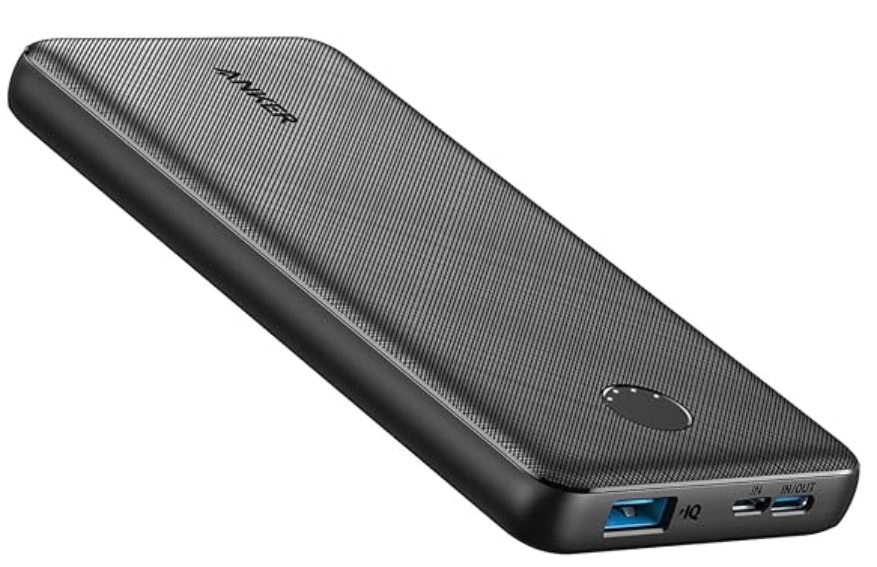
SheBuysTravel Tip: Before you hit the road, turn off unnecessary background activity and use airplane mode + Wi-Fi (with that VPN!) when possible. Plus, bring along a portable battery pack. I swear by this Anker Power Bank – mine is years old now and still delivers a quick charge whenever I need it.
Read More
- Why You Should Keep a Penny in the Freezer & Other Ways to Keep Your Home Safe While You’re Away
- Why 1Password is The Travel Accessory I Never Leave Behind
- 15 Best Travel Accessories for Women: The Ultimate Packing List
- How to Travel Solo as a Woman

Leave a Reply